
v1.1 — Free & Open Source
Video speed,
under your control.
A sleek, native Open Source macOS utility to adjust video speed and export instantly. Drag, drop, and dial it in.
A sleek, native Open Source macOS utility to adjust video speed and export instantly. Drag, drop, and dial it in.
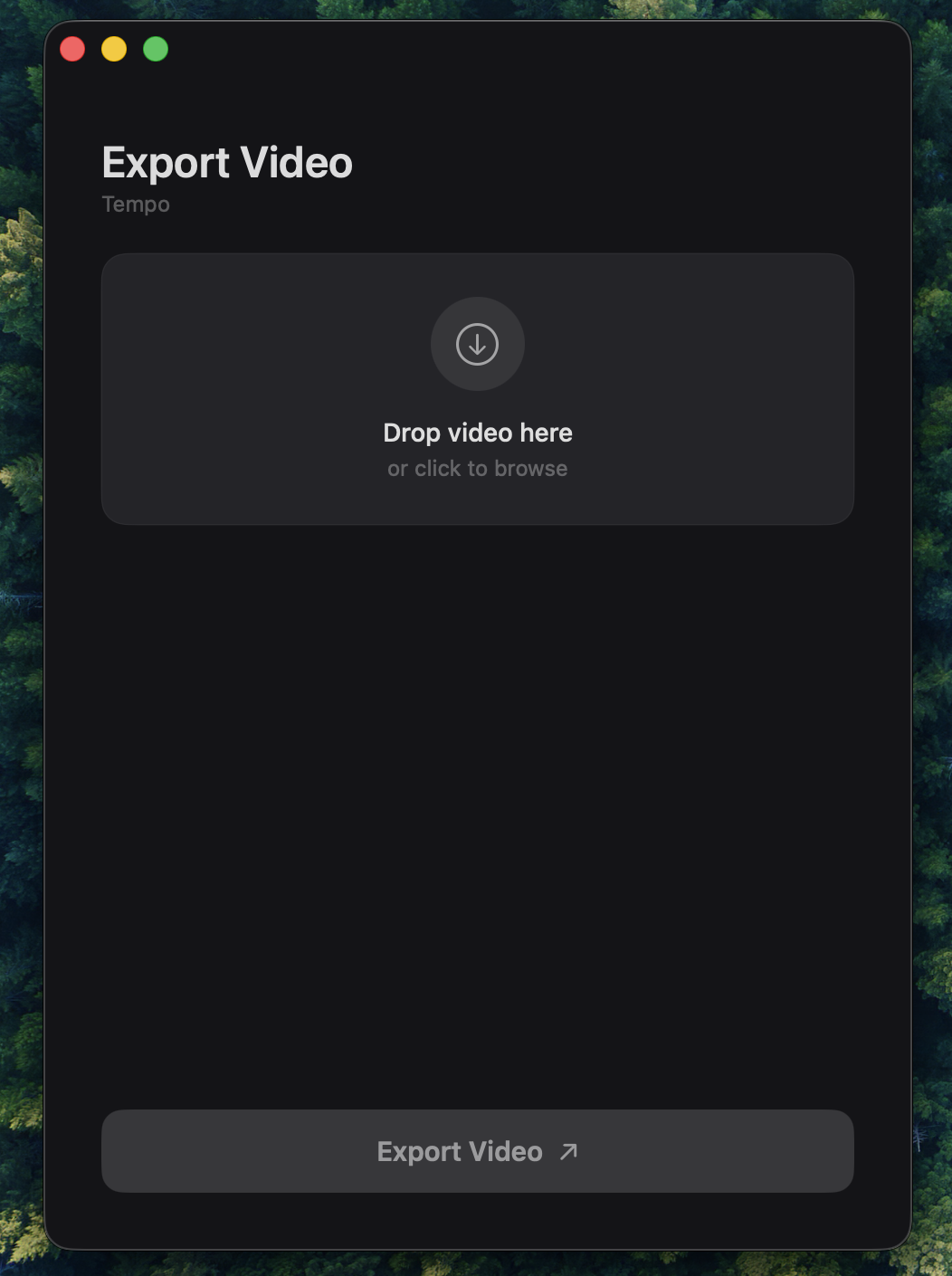
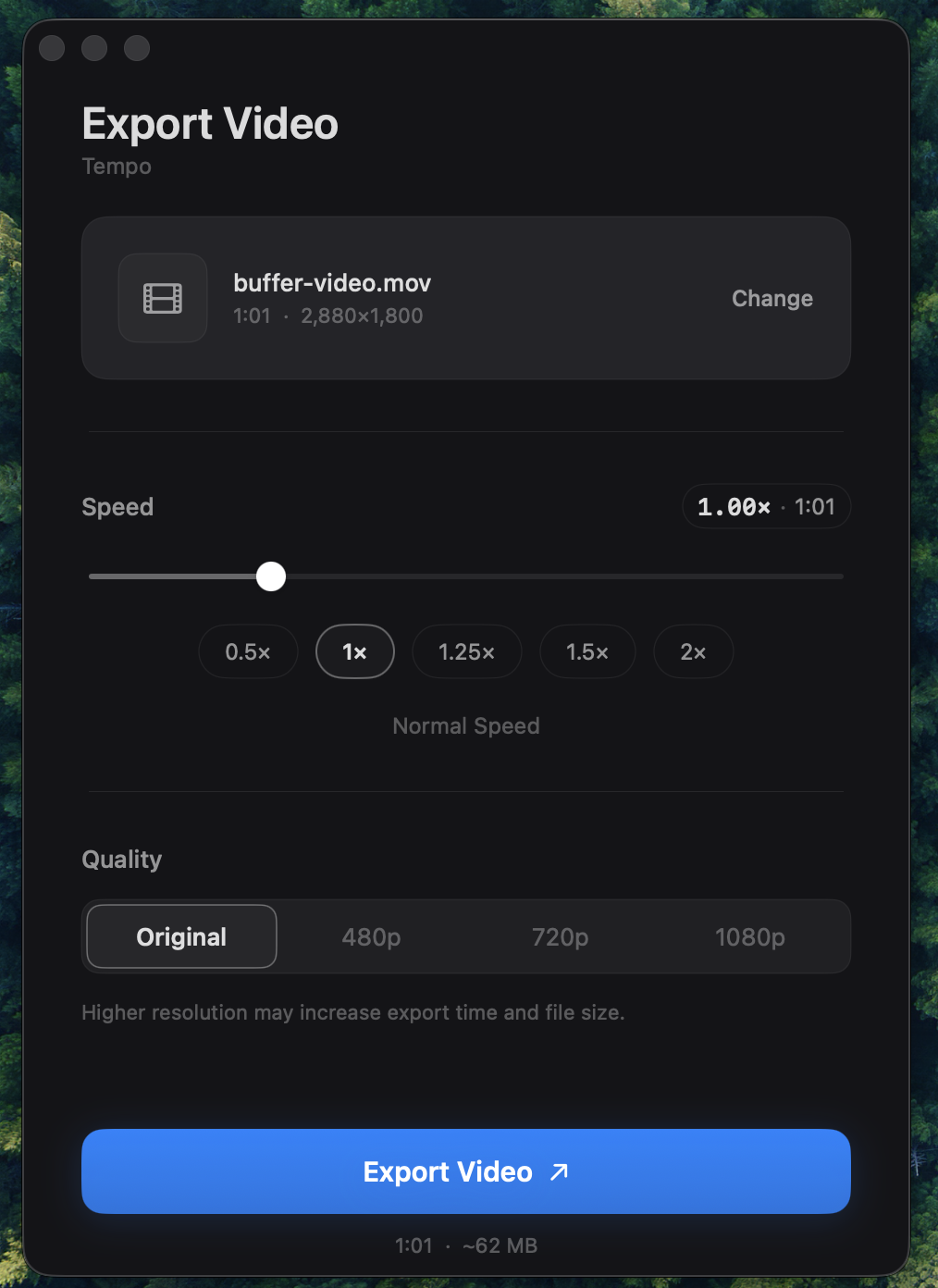
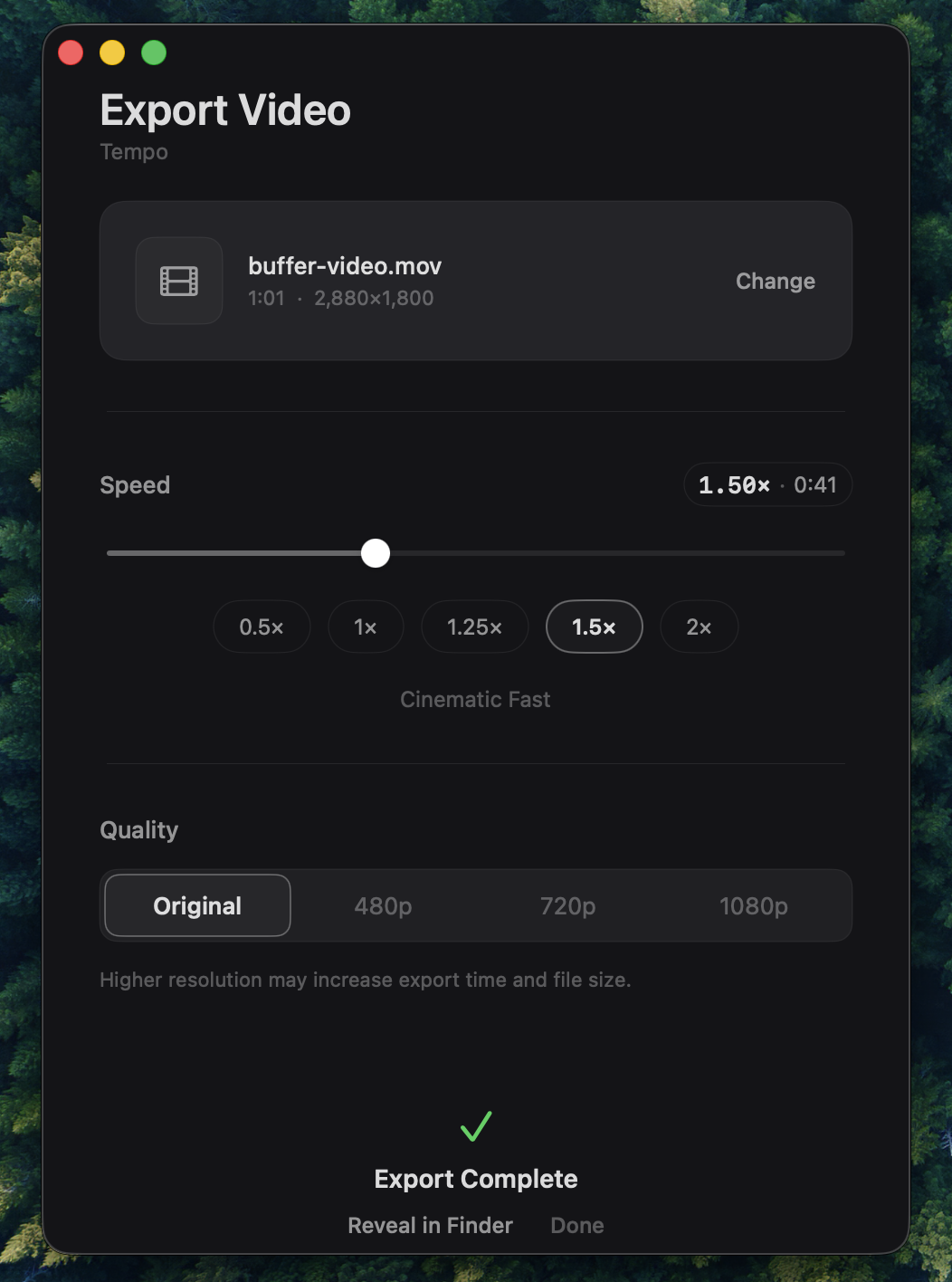
Smoothly adjust playback speed from 0.1x to 10.0x with precision controls.
Baked-in speed changes exported directly to high-quality MP4 in seconds.
No complex menus. Just drop a file and start adjusting. Built for speed.
Utilizes macOS AVFoundation for super-fast processing and smooth previews.
A primary macOS app designed to feel right at home on your desktop.
On-device processing. Your videos never leave your Mac. No cloud involved.
Tempo_Release.dmg from the GitHub releases.Tempo.app to your Applications folder.
Free and open-source video utility for macOS.
Download Tempo_Release.dmg